ImgBurn in 2026: Download, Safety & Windows 11 Guide
Short answer: ImgBurn is a free, lightweight burner for Windows that handles CDs, DVDs, HD DVDs, Blu-rays and disc images. The current build is v2.5.8.0, from 16 June 2013, and the ImgBurn download below points at the official imgburn.com flow: one installer, no registration, no payment.
It still works, on Windows 11 too, which the official support list never mentions. Development stopped years ago, and the safety doubts you may have read have a documented history and a short fix. Both get their own section below, quotes and checksums included.
ImgBurn Installer
The one official setup file. Covers 32-bit and 64-bit Windows in a single download.
Prefer a Mirror?
The same page lists all seven official mirrors, Softpedia to MajorGeeks.
ImgBurn at a glance
| Version | 2.5.8.0 (released 16 June 2013) |
|---|---|
| License | Free (donationware-style). Not open source. |
| Price | $0 |
| Platform | Windows 95 through 10 official, Windows 11 unofficial; 32-bit and 64-bit |
| Installer size | 3.87 MB official (portals report 2.9–3.10 MB) |
| Installer file | SetupImgBurn_2.5.8.0.exe |
| Languages | 40+ translation files, GUI text only |
| Last release | 16 June 2013, and nothing since |
| Developer | LIGHTNING UK! (site © 2005–2021) |
Notice the pattern: every row has been frozen for over a decade. One ImgBurn download, unchanged since 2013, and that is the whole story this page tells.
What is ImgBurn?
ImgBurn is a lightweight burning application for CDs, DVDs, HD DVDs and Blu-rays, built by one developer who goes by LIGHTNING UK!. The site carries a © 2005–2021 imprint. The ImgBurn download of today is the exact v2.5.8.0 file shipped on 16 June 2013; nothing newer exists, and older releases back to 2.4.4.0 sit in the site's news archive.
Five modes, per the official site. Read copies a disc to an image file. Build turns files and folders into an image, or writes them to a disc as a data or audio CD. Write puts an existing image onto a disc, the mode every ISO job uses. Verify checks a finished disc for readability and can compare it against the source image. Discovery tests the drive and the media.
Format coverage is the deep part: twelve disc image formats (BIN, CCD, CDI, CUE, DI, DVD, GI, IMG, ISO, MDS, NRG, PDI), audio CD sources through DirectShow and ACM (MP3, FLAC, APE, WAV, OGG, WMA and more), and DVD Video, HD DVD Video and Blu-ray Video layouts in Build mode.
Now the part just two of the eight ranking pages state: ImgBurn has not been updated since 2013. Softpedia's review says it 'hasn't received any updates since 2013, whether we're talking about looks or functionality.' Download.it calls it 'originally made for Windows XP and it looks like it.' The downloads continue anyway: 6.2 million on Softpedia alone.
Typed it differently? ImageBurn, img burn and imagburn all land here, and all of them want the same official ImgBurn download.
Is ImgBurn safe in 2026?
Yes, with a source rule attached. The program is not malware. The risk has two parts: bundled offers that once lived inside the installer, and fake mirrors that repackage the file with junk of their own. Both attach to where an ImgBurn download comes from, not to ImgBurn's code, and both have a fix below.
The offer era is on the record. ImgBurn's v2.5.8.0 changelog, reprinted by TechSpot, dropped the Ask.com toolbar and stated: 'OpenCandy now handles product offerings during installation.' OpenCandy bundled optional third-party offers into installers. Softpedia's entry points the other way: 'no more "opencandy" adware!'. MajorGeeks serves 'a clean installer without OpenCandy distributed with permission.' Offers existed, portals now ship clean builds, and the setup screen deserves a slow read.
The doubt has a paper trail on Reddit. Threads like 'Is imgburn safe' (r/software), 'Dont install ImgBurn from the offical website!' and 'Beware of downloading imgburn from digital digest' keep asking one question. The reports fit the two patterns above: offers accepted during a rushed setup, or a repackage from a site that isn't imgburn.com. One thread even flags Digital Digest, a name on the site's own mirror list. That is how tangled this got.
The install-time fix, ImgBurn-specific:
- Read every setup screen before you continue.
- Choose Custom or Advanced wherever it appears (MajorGeeks' standing advice).
- Uncheck each opt-in checkbox for extra software or toolbars.
The burn engine inside your ImgBurn download is identical either way.
Then verify the file, a step no ranking page teaches. imgburn.com's
download page publishes three checksums for the installer: CRC32
1AF3CD36, MD5 4BF2B8F4B46385BFDA4D65E423CFB868, SHA-1
6A3D20796E1FCD4169D5D339AF6E491DCEA3367. Windows ships the tool
for it:
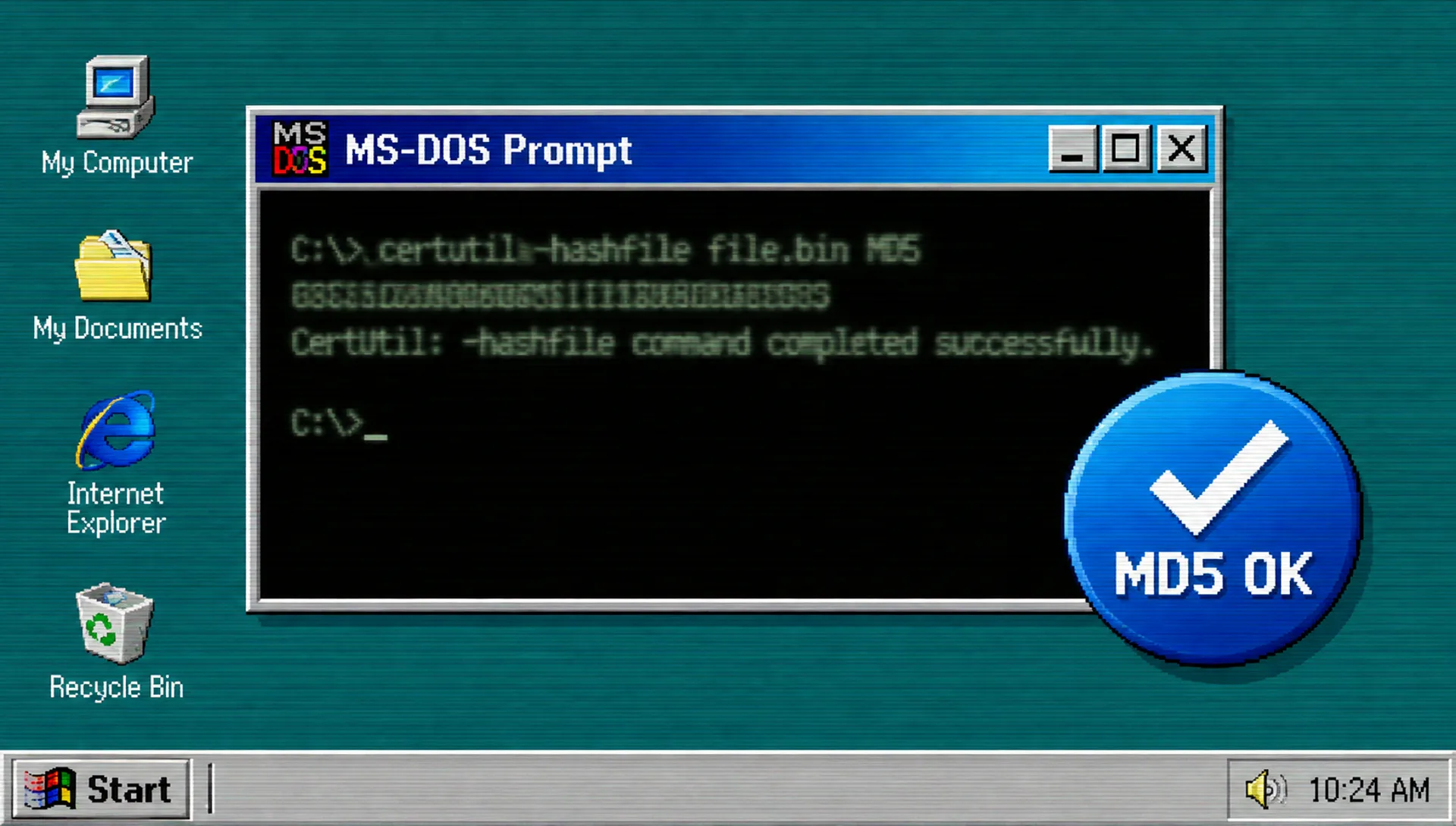
certutil -hashfile SetupImgBurn_2.5.8.0.exe MD5 prints
the hash, and a match with the official MD5 proves your copy is
byte-for-byte the 2013 original.
So, the best place to download: imgburn.com first, then the seven mirrors it names. Treat any other site offering an ImgBurn download as suspect, lookalike logos first among them. If a page insists on its own downloader tool, close the tab.
ImgBurn download: the official links
Your ImgBurn download starts with the buttons in the panel above. Both lead to the official ImgBurn download page at imgburn.com, which serves v2.5.8.0 as a direct 3,870 KB file named SetupImgBurn_2.5.8.0.exe.
Rather pick a mirror? imgburn.com sanctions seven, all hosting v2.5.8.0: Digital Digest, BetaNews, Softpedia, Free-Codecs.com, TechSpot, MajorGeeks, ImgBurn itself. Portals beyond that list host their own copies; Uptodown publishes a SHA-256 for its file. Established sites, but secondary: their ImgBurn download is a portal repack, and the official checksums match the official installer alone.
ImgBurn portable vs installed
TechSpot lists the ImgBurn download in two shapes, Installer and Portable, and MajorGeeks notes a portable build. Portable skips setup: unzip it onto a USB stick and run. The split:
| Installer | Portable | |
|---|---|---|
| Setup | Runs the usual Windows installer | Unzip and run. Nothing installs |
| Administrator rights | Needed during setup | Not needed to burn |
| USB stick use | Clunky | Built for it: lives on the stick |
| Where you get it | Official page and its seven mirrors | The TechSpot and MajorGeeks listings |
| Best for | Your main PC | Locked-down machines and USB toolkits |
One caveat: imgburn.com's checksums cover the installer, not the portable build; the hash that applies is the one on the listing that serves you.
ImgBurn on Windows 11 and Windows 10
Here is what page one will not tell you: the official support list stops at Windows 10. ImgBurn's official site names every Windows from 95, 98, Me, NT4, 2000, XP, 2003, Vista, 2008, 7 and 8 through 10, 64-bit editions included. Windows 11 arrived eight years after the last release, so the site has never mentioned it. There is no official 'ImgBurn download for Windows 11' page to find.
In practice, ImgBurn runs on Windows 11 per the user reports that keep appearing. That is community evidence, not an official statement. The ImgBurn download for Windows 10, 8.1, 7 and 11 is one and the same file, so there is no special build to hunt for. Need the ImgBurn download for Windows 7 or older? The support list reaches back to 95, 98 and XP.
Expect two quirks on a new machine: the XP-era gray interface, and the usual Windows administrator prompt when the app starts. Neither stops a burn. Linux users get one official sentence: 'If you use Wine, it should also run on Linux and other x86-based Unixes.'
How to burn an ISO file with ImgBurn
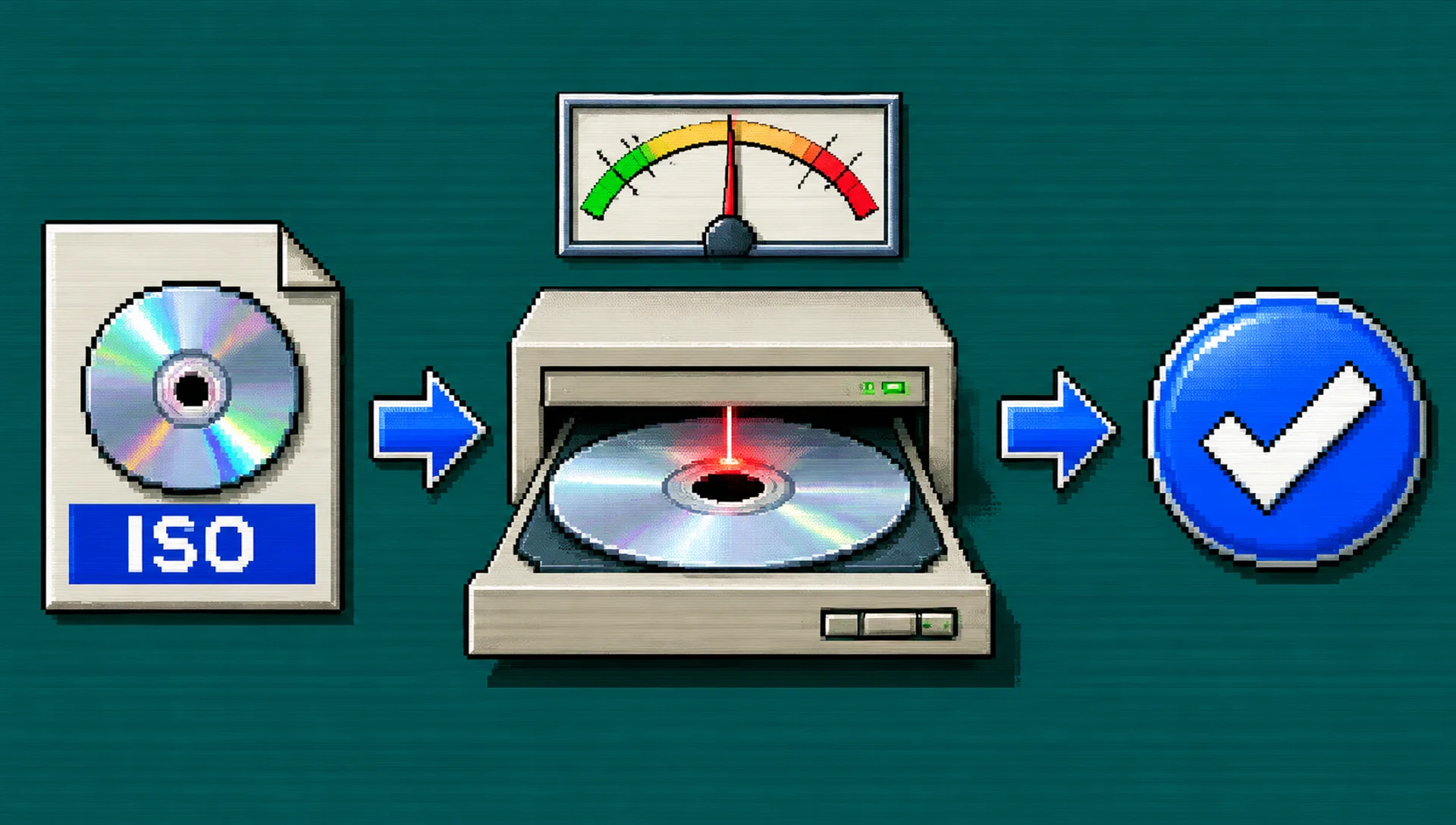
Once your ImgBurn download is installed, disc images are the classic job. One rule first: a bootable image, a Windows installer or a Linux live disc, must go through Write mode as an image. Dropping its files onto a data disc makes a coaster that will not boot.
- Open ImgBurn and pick Write mode, the mode that writes an image file to a disc.
- Set your ISO as the source. The other eleven image formats work here too, from BIN to NRG.
- Insert a blank disc and pick your writer drive.
- Choose a moderate burn speed rather than the maximum.
- Start the burn and let it finish.
- Optional but worth it: run Verify mode afterward to check the disc against the image.
ImgBurn alternatives
Better depends on the job; the full CD burning software comparison lives in our roundup. For pure image work, twelve formats deep with Verify passes, ImgBurn remains the strongest free tool here, frozen or not. The case for switching is updates and interface, not capability. By need:
- CDBurnerXP. Actively maintained, modern interface, polished audio CD support. Our full guide covers the installer and its safety checks.
- BurnAware Free (burnaware.com). The friendliest interface of the group and a regular on the portals' similar software lists.
- AnyBurn (anyburn.com). The smallest footprint of the three, another name the portals' similar lists keep.
- make a virtual CD. No drive means no burner applies, ImgBurn included. Make a virtual CD in your browser instead.
Is ImgBurn safe to download?
Yes, if you control two things: where the file comes from, and which boxes you tick in setup. A safe ImgBurn download is the installer from imgburn.com or one of its seven mirrors, offers declined, MD5 checked for certainty. The horror stories trace to the offer era and repackaged copies.
Where can I download ImgBurn safely?
The safest ImgBurn download is imgburn.com itself, no contest. Second tier: the seven sanctioned mirrors, Digital Digest, BetaNews, Softpedia, Free-Codecs.com, TechSpot, MajorGeeks and ImgBurn, all hosting v2.5.8.0. Avoid anything else that ranks for the name, and any page pushing its own downloader tools.
Does ImgBurn work on Windows 11?
It runs, but no official statement says so. The support list stops at Windows 10. User reports keep saying it works on 11: community evidence, not endorsement. The ImgBurn download for Windows 11 is the same installer as for Windows 10, so expect the old gray interface and the usual administrator prompt.
Does ImgBurn still work?
Yes. Discs, drives and the ISO format all predate ImgBurn's last release, and your ImgBurn download still reads, builds, writes and verifies. What stopped is development: 2.5.8.0, from 16 June 2013, is final. Softpedia alone counts 6.2 million downloads.
Is ImgBurn really free?
Yes. imgburn.com says 'it's 100% FREE' and posts a donation appeal. No paid tier, no pro version; download.it calls it 'a truly free program without a paid version.' Free is not open source, though: no source code is published, and Uptodown mislabels the license as Proprietary.
How do I install ImgBurn?
The ImgBurn download is one file, SetupImgBurn_2.5.8.0.exe. Run it and read each screen: pick Custom or Advanced where offered, and uncheck any opt-in checkbox for extra software. The download page also carries 40-plus interface translation files, and uninstall happens through Programs and Features.
What is the official ImgBurn website?
imgburn.com, period. It is the only official domain: the site publishes the current installer, the seven-mirror list and the checksums, under a © 2005–2021 imprint for developer LIGHTNING UK!. Every other host is secondary. Start at imgburn.com and click through to the ImgBurn download section yourself.
Is ImgBurn a virus or malware?
No. The program's code is clean, and the malware worry has a traceable cause: OpenCandy offers that once ran inside the setup, plus repackaged installers from shady mirrors. 'Dont install ImgBurn from the offical website!' fits that pattern better than any confirmed infection. The ImgBurn download from imgburn.com plus an MD5 check closes the question.
Is ImgBurn available for Mac?
No. There is no official macOS build and no Android version, whatever a download page's prompt implies. On a Mac, use Finder's built-in burning or the free Burn app. Or skip desktop software and see how burning a CD online works.
Can ImgBurn burn audio CDs?
Yes. Build mode takes your audio files and writes a standard audio CD, decoding through DirectShow and ACM. MP3, FLAC, APE, WAV, OGG, WMA and M4A all work as sources. Want a running order with a real arc? Our guide to putting together a mix CD has you covered.
Is there a portable version of ImgBurn?
Yes. TechSpot lists ImgBurn in Installer and Portable forms, and MajorGeeks mentions a portable build too. The portable ImgBurn download needs no setup: unzip it on a USB stick and run. Official checksums cover the installer rather than the portable build, so the listing you download from is the source to trust.
ImgBurn vs CDBurnerXP: which is better?
By need. For image depth, twelve formats and Verify passes, on hardware back to Windows 95, ImgBurn wins, frozen code and all. For a maintained tool with a modern interface and steadier audio CD polish, CDBurnerXP is the pick; our CDBurnerXP guide walks through its installer. Different priorities, no wrong answer.
No CD drive at all?
Most laptops ship without one. No drive means no ImgBurn download and no desktop burner. The ritual survives: make a virtual mix CD in your browser, pick real tracks, write a note, send it as a link. Want the full map first? Our guide to burning CDs when your laptop has no optical drive walks through every workaround.